

You may want to add IP addresses into 3CX’s allowed list, and this may include UC-Reseller’s IP address ranges. This is important because if your PBX denies the SIP Providers IP address ranges you may not receive calls, or you may have audio issues.
Step 1. Log in to the 3CX Management Console

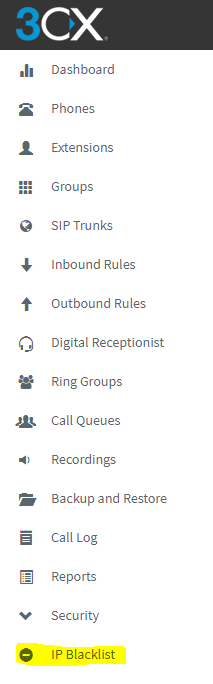
Step 2. On the left-hand menu bar, select IP Blacklist:
Step 3. Import the IP Address List:

To add UC-Resellers IP Ranges use the JSON file that is downloadable from the UC-Reseller Portal. To download this login to the portal, click on the Tools Menu -> 3CX IP Allow List